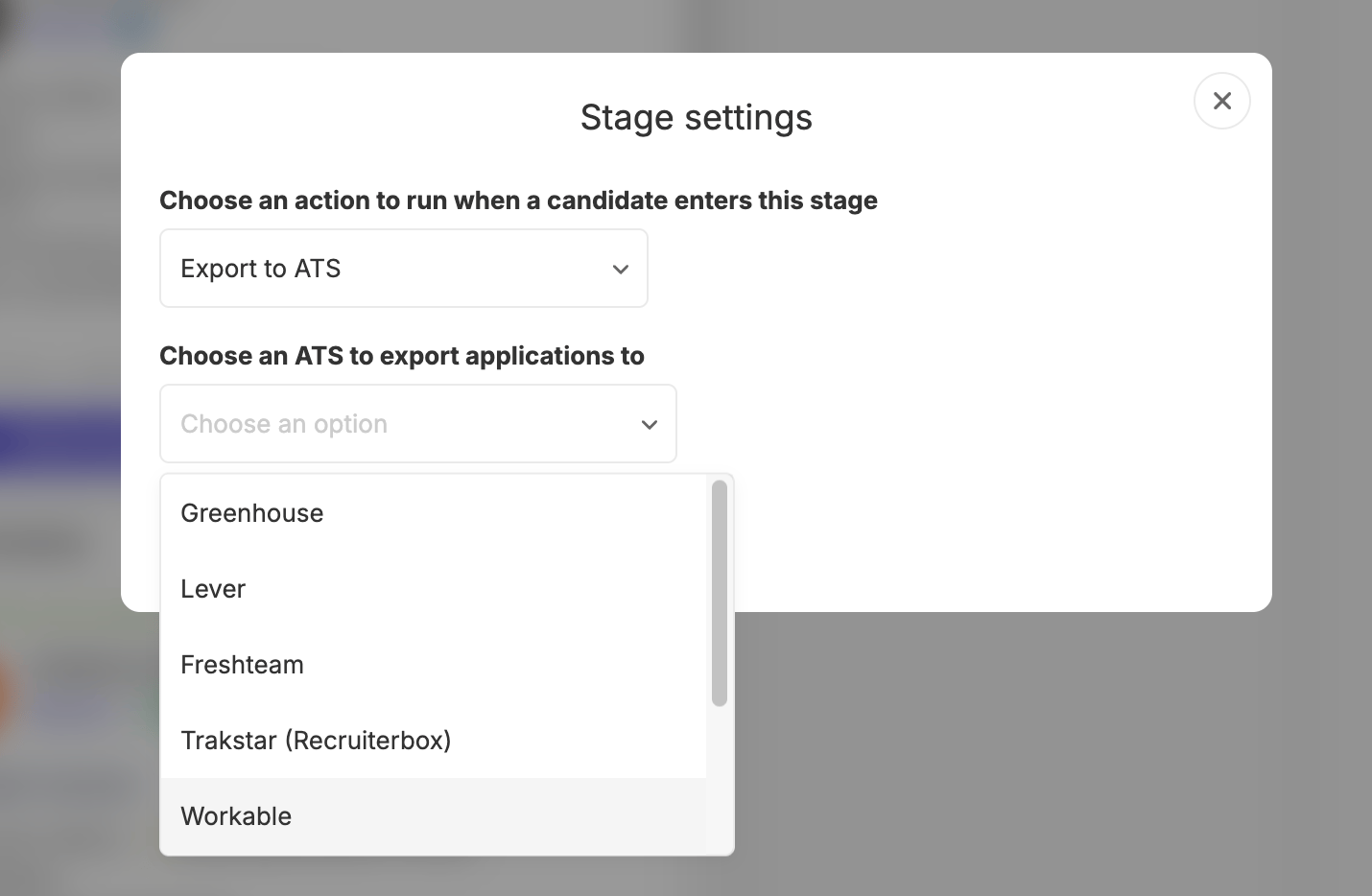
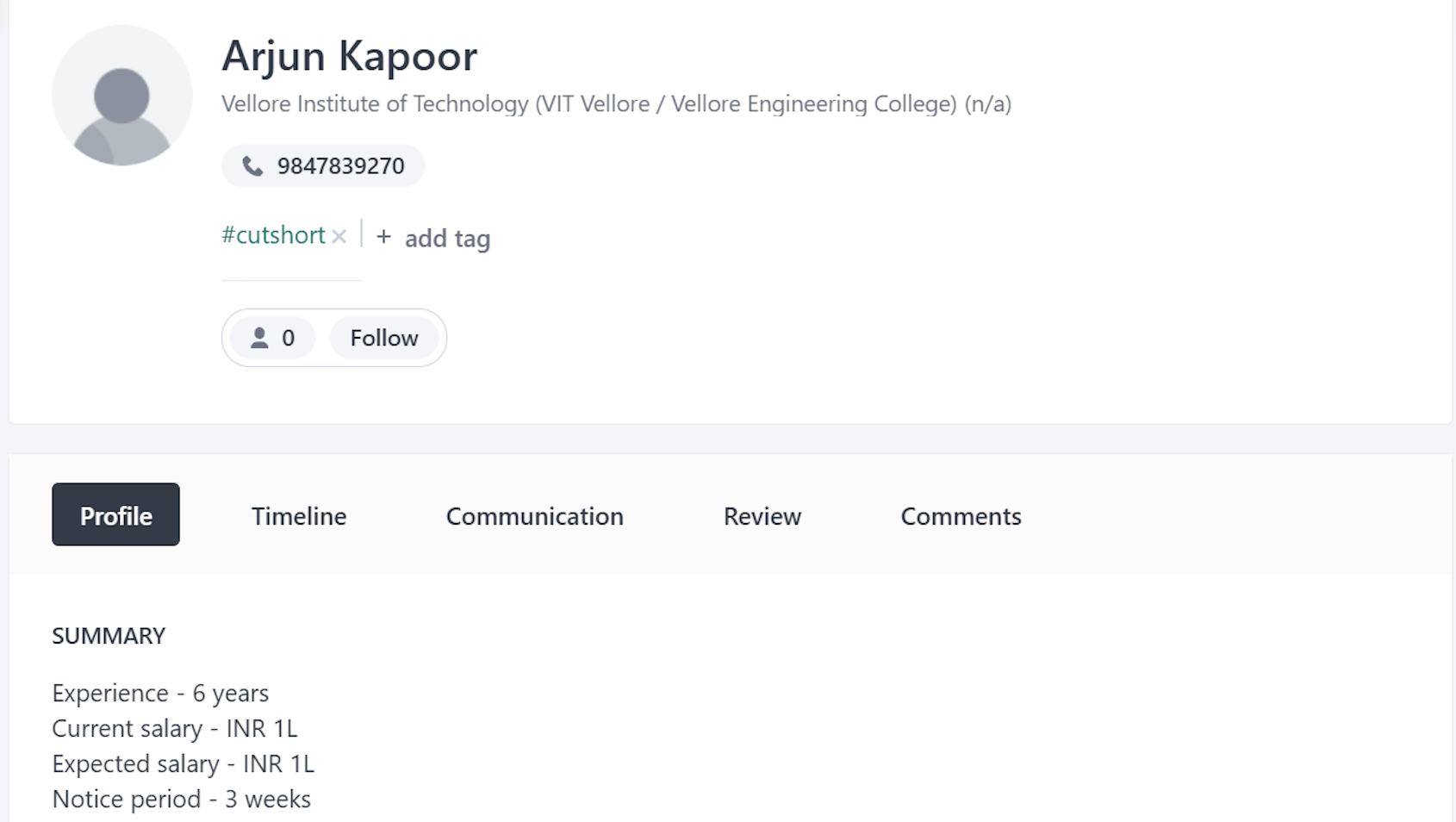
If you are using Workable as your Applicant Tracking System (ATS) and Cutshort as your job pipeline platform, integrating the two can streamline your recruitment process and save you time and effort. By connecting Workable with Cutshort using Workable API key, you can seamlessly transfer candidate information between the two platforms. Here’s a step-by-step guide on how to integrate Workable ATS with Cutshort job pipeline: Step 1: Obtain your Workable API key
  1. Log in to your Workable account.
  2. Click on your profile icon in the top right corner and select “Settings” from the dropdown menu.
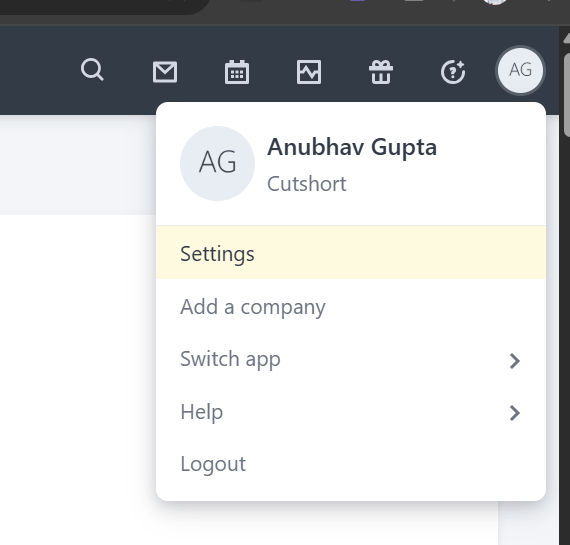
integrate workable screenshot 1
  1. Scroll down to “Integrations” and select “Apps”
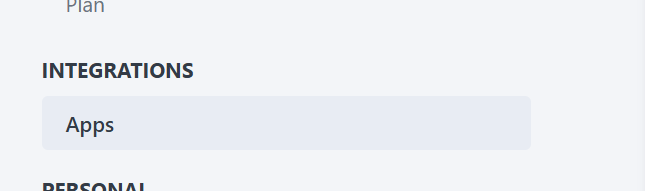
integrate workable screenshot 2
  1. Click on the “Generate API token” button.
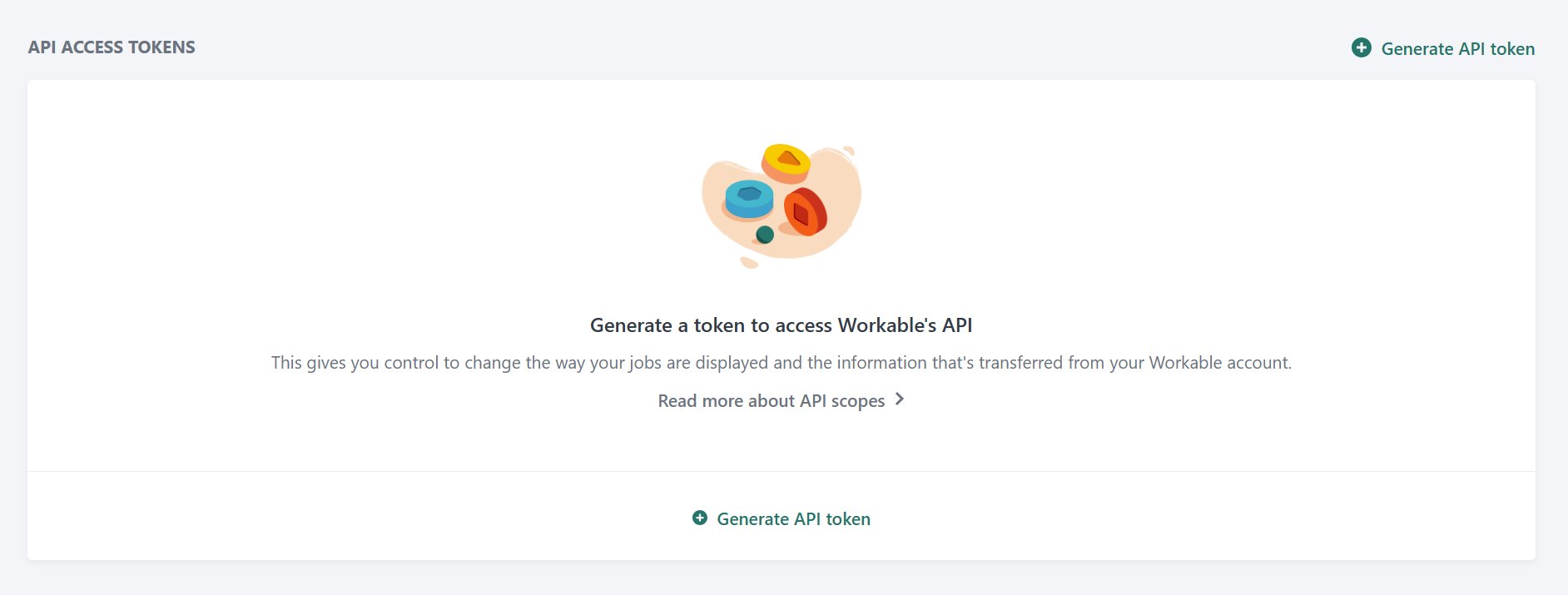
integrate workable screenshot 3
  1. Select the 5 required permissions as shown below and click “generate token”:
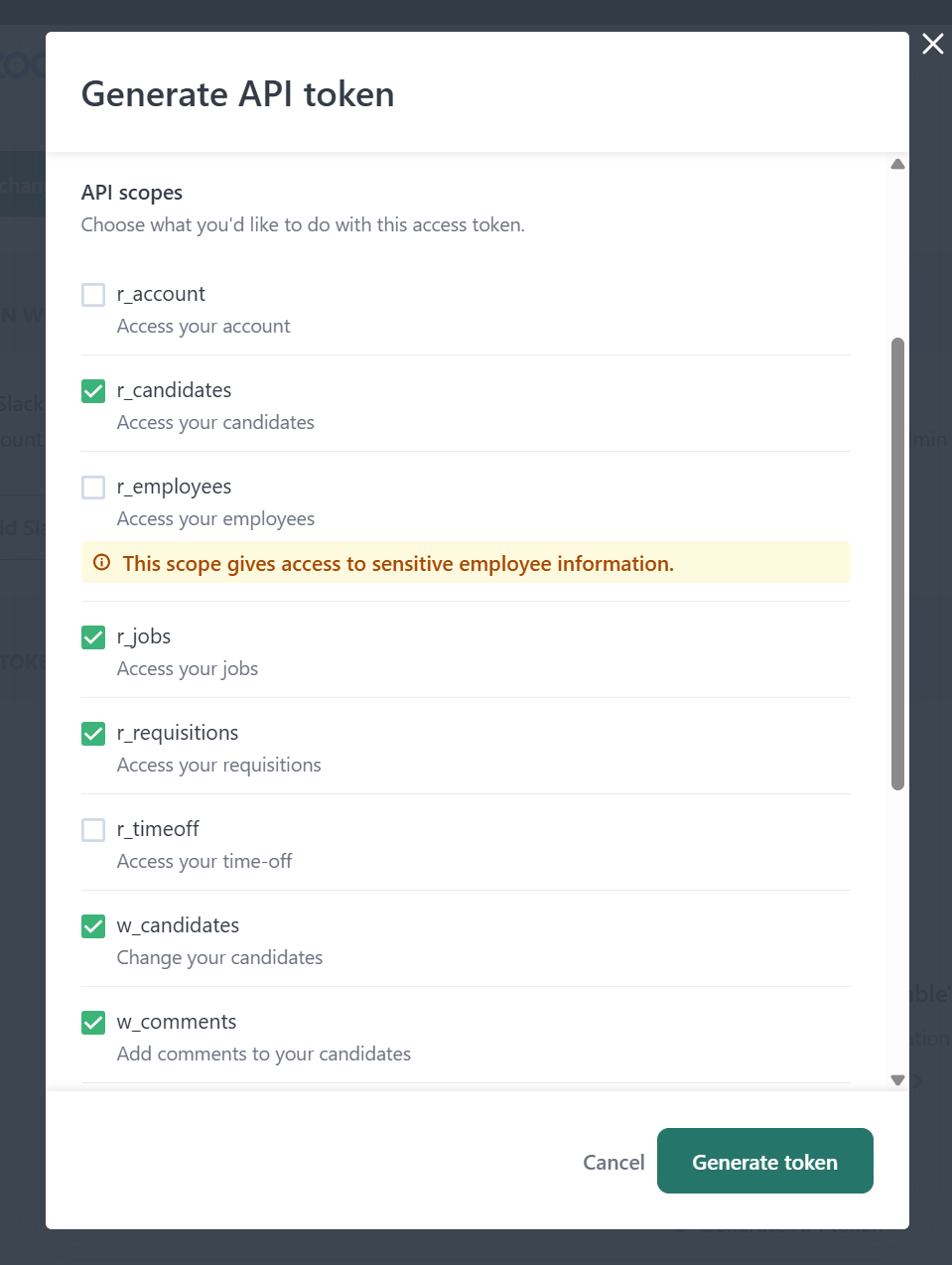
integrate workable screenshot 4 A new API key will be generated for you. Copy this key as you will need it to integrate Workable with Cutshort. Step 2: Integrate Workable with Cutshort using the API key
  1. Log in to your Cutshort account.
  2. Navigate to any job pipeline ( https://cutshort.io/profile/workflow) and select the automation option-
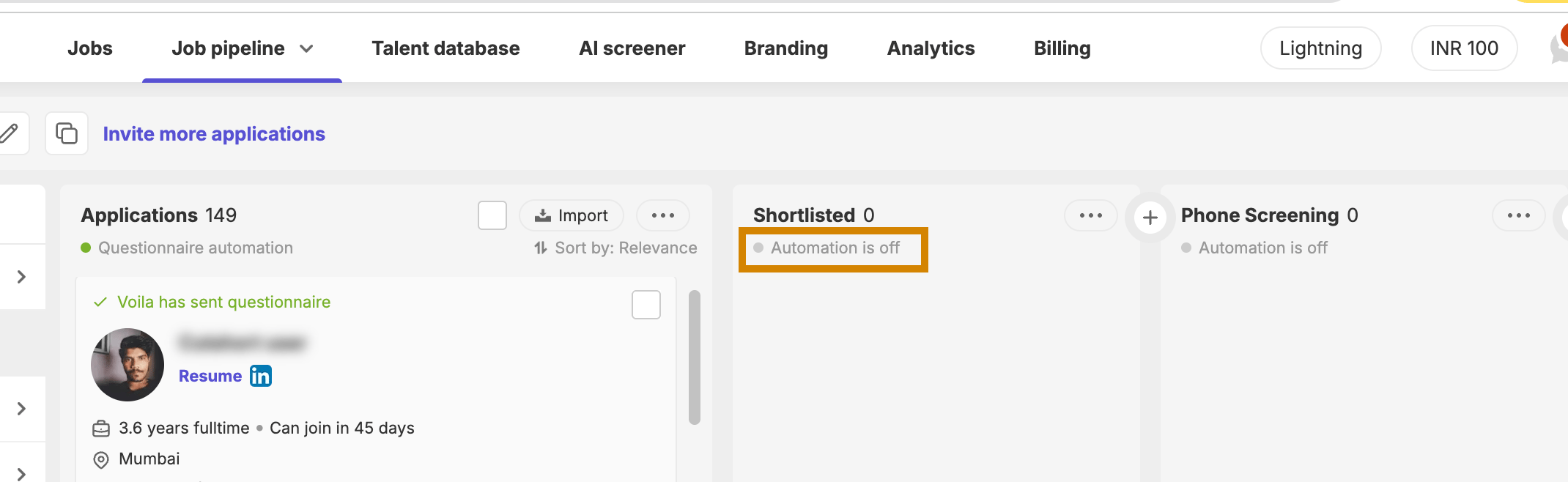
integrate workable screenshot 5
  1. Select “Export to ATS” and “Workable”.
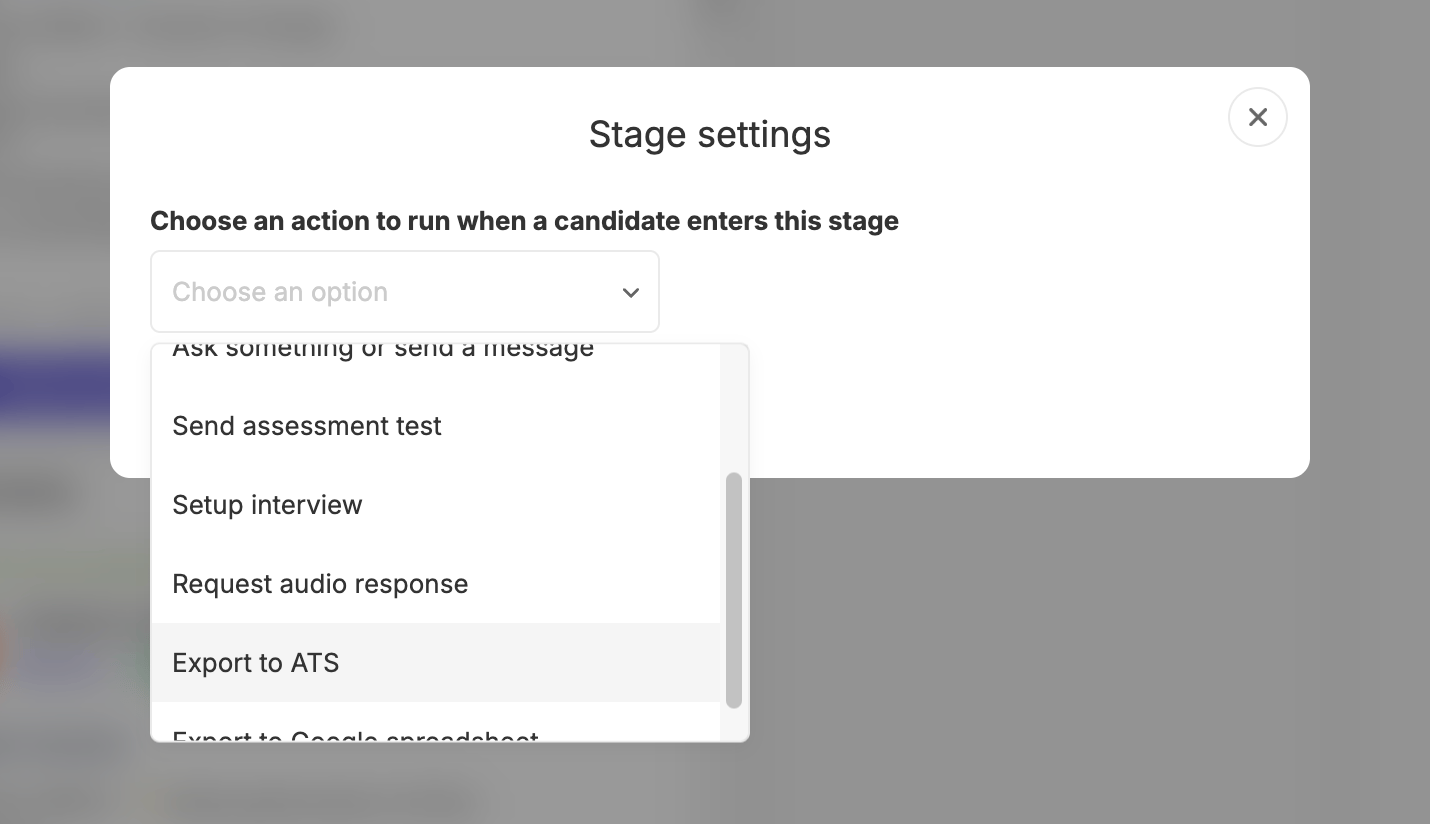
integrate workable screenshot 6 integrate workable screenshot 7
  1. Enter your API key and click “Connect”.
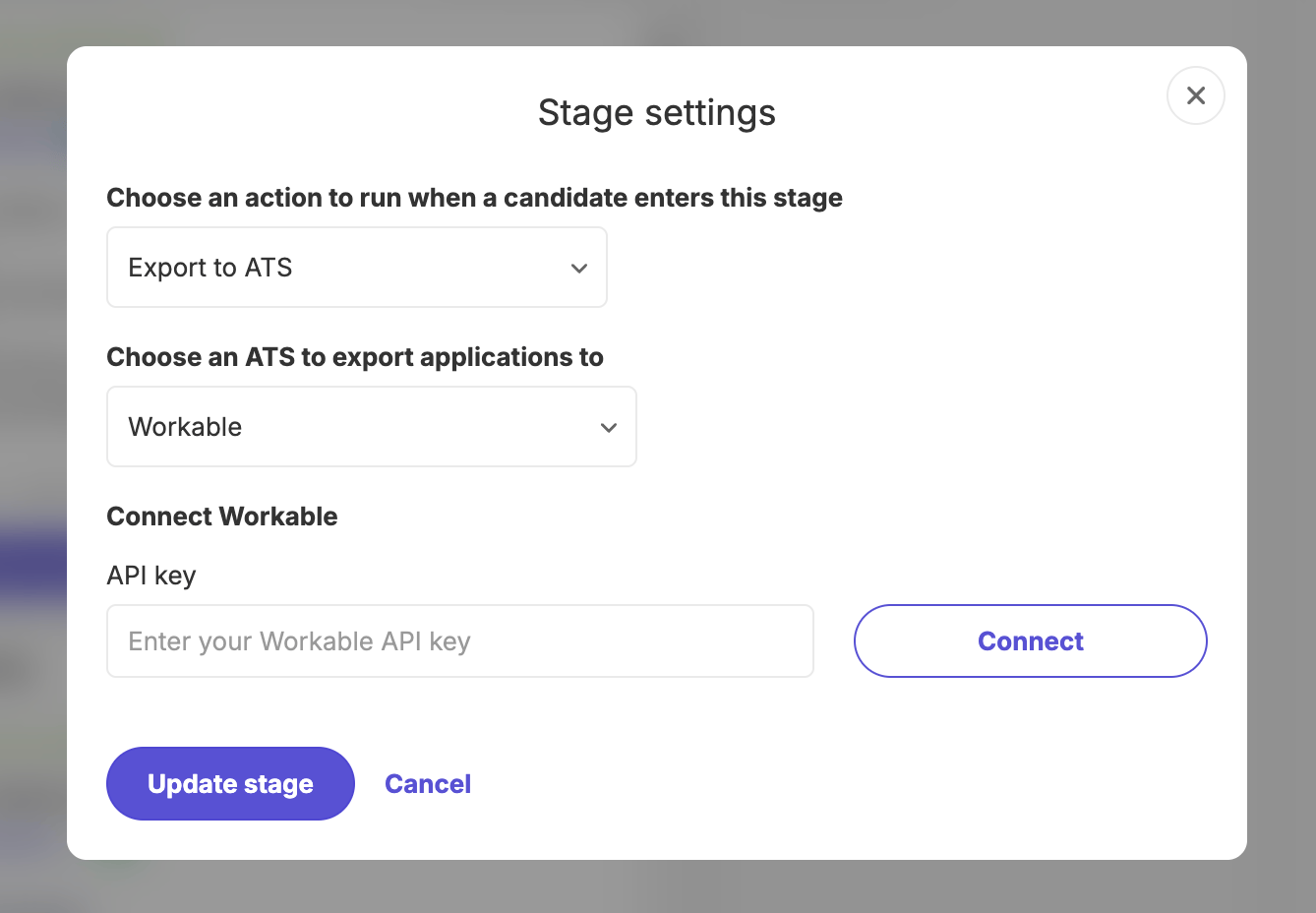
integrate workable screenshot 8 Once you select the job and click “Update stage”, any candidates you drop to this stage will automatically be shared to your Workable ATS along with their resumes. This is the view you will get on Workable along with contact and location details: integrate workable screenshot 9