> ## Documentation Index
> Fetch the complete documentation index at: https://docs.cutshort.io/llms.txt
> Use this file to discover all available pages before exploring further.
# How to integrate Zoho Recruit with Cutshort?
> If you are using Zoho Recruit as your Applicant Tracking System (ATS) and Cutshort as your job pipeline platform, integrating the two can streamline your recruitment process and sa
If you are using Zoho Recruit as your Applicant Tracking System (ATS) and Cutshort as your job pipeline platform, integrating the two can streamline your recruitment process and save you time and effort. By connecting Zoho with Cutshort, you can seamlessly transfer candidate information between the two platforms.
Here's a step-by-step guide on how to integrate Zoho Recruit with Cutshort job pipeline:
 [Watch step by step guide](https://app.storylane.io/share/i8c3pcbgydxf)
1. Log in to your Cutshort account.
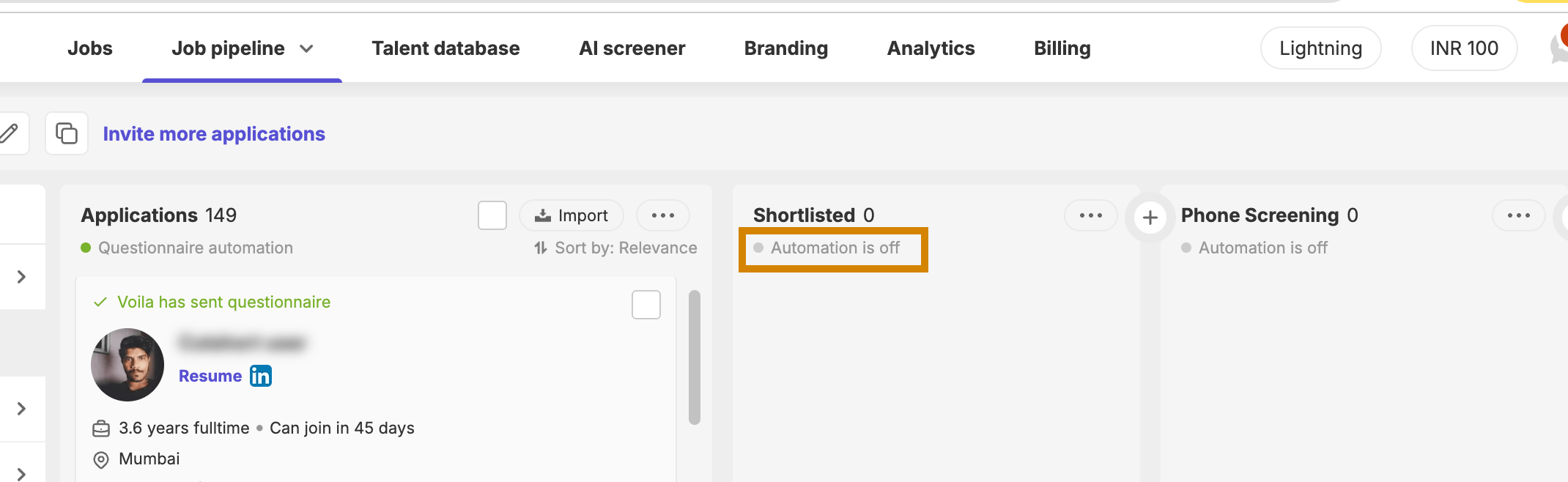
2. Navigate to any job pipeline ( [https://cutshort.io/profile/workflow](https://cutshort.io/profile/workflow)) and select the automation option-
[Watch step by step guide](https://app.storylane.io/share/i8c3pcbgydxf)
1. Log in to your Cutshort account.
2. Navigate to any job pipeline ( [https://cutshort.io/profile/workflow](https://cutshort.io/profile/workflow)) and select the automation option-
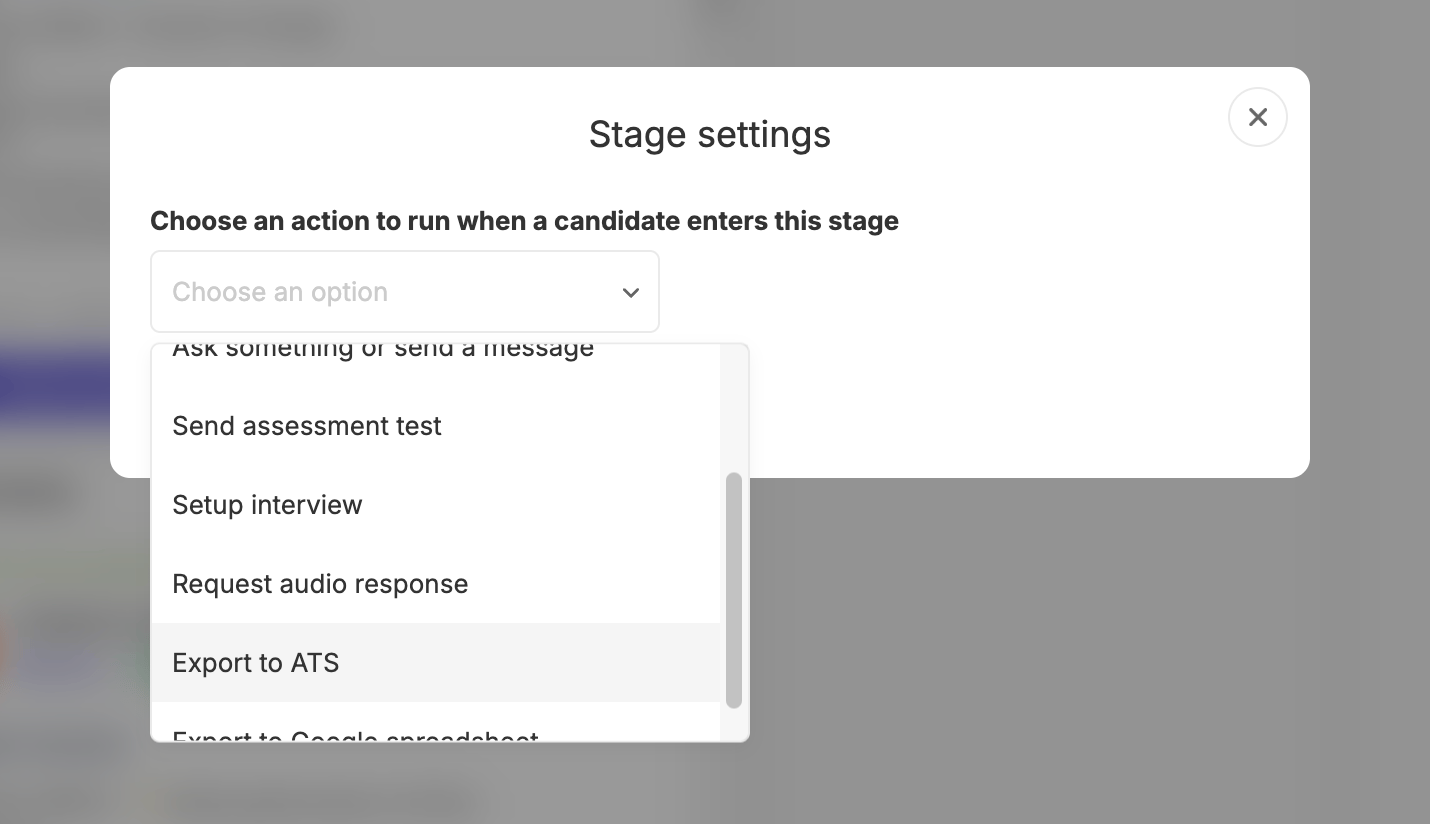
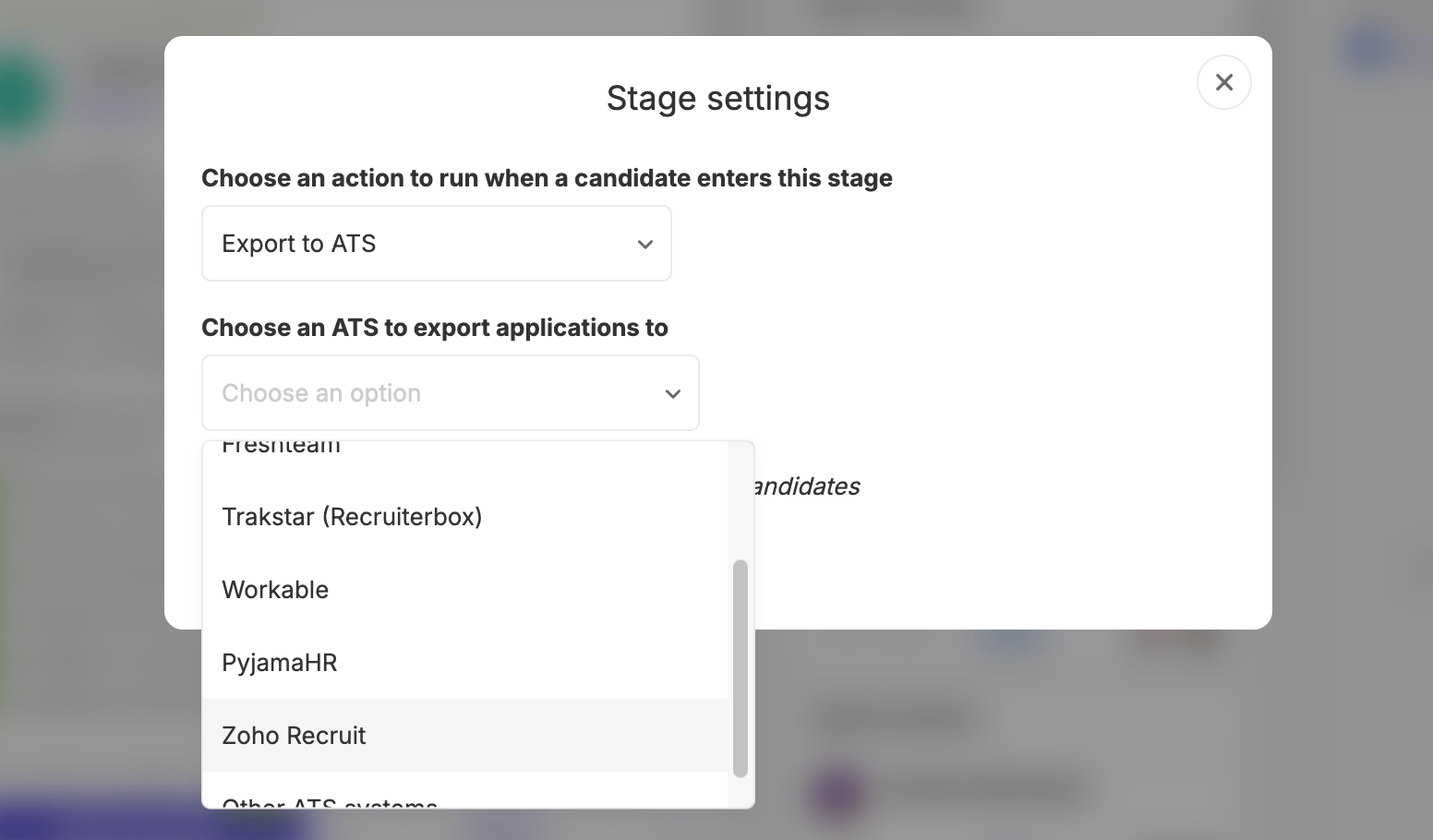
 3. Select "Export to ATS" and "Zoho Recruit".
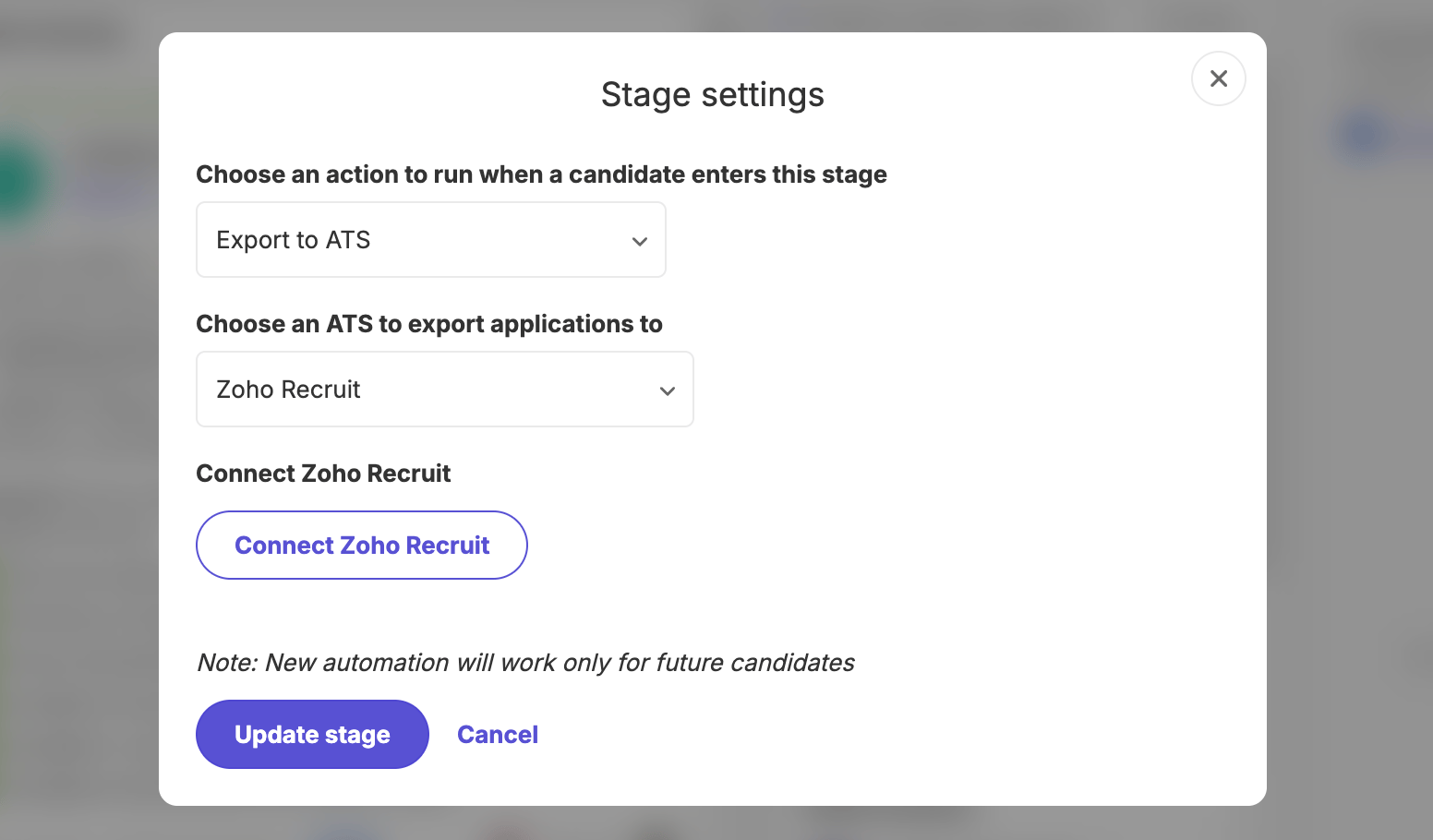 4. Click "Connect Zoho recruit" and it will take you to Zoho login. Log in using your Zoho credentials and click "Accept" on the next page.
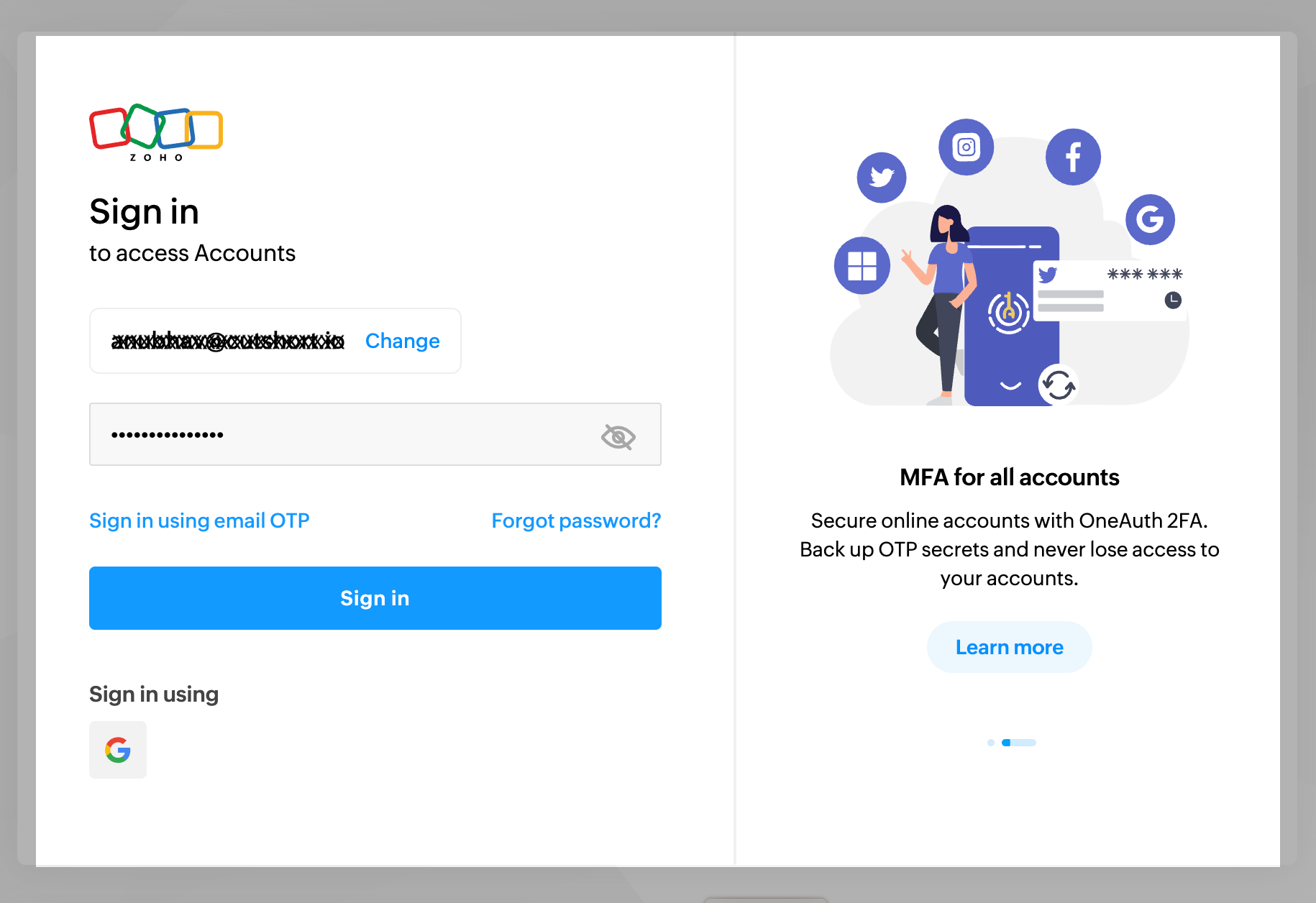
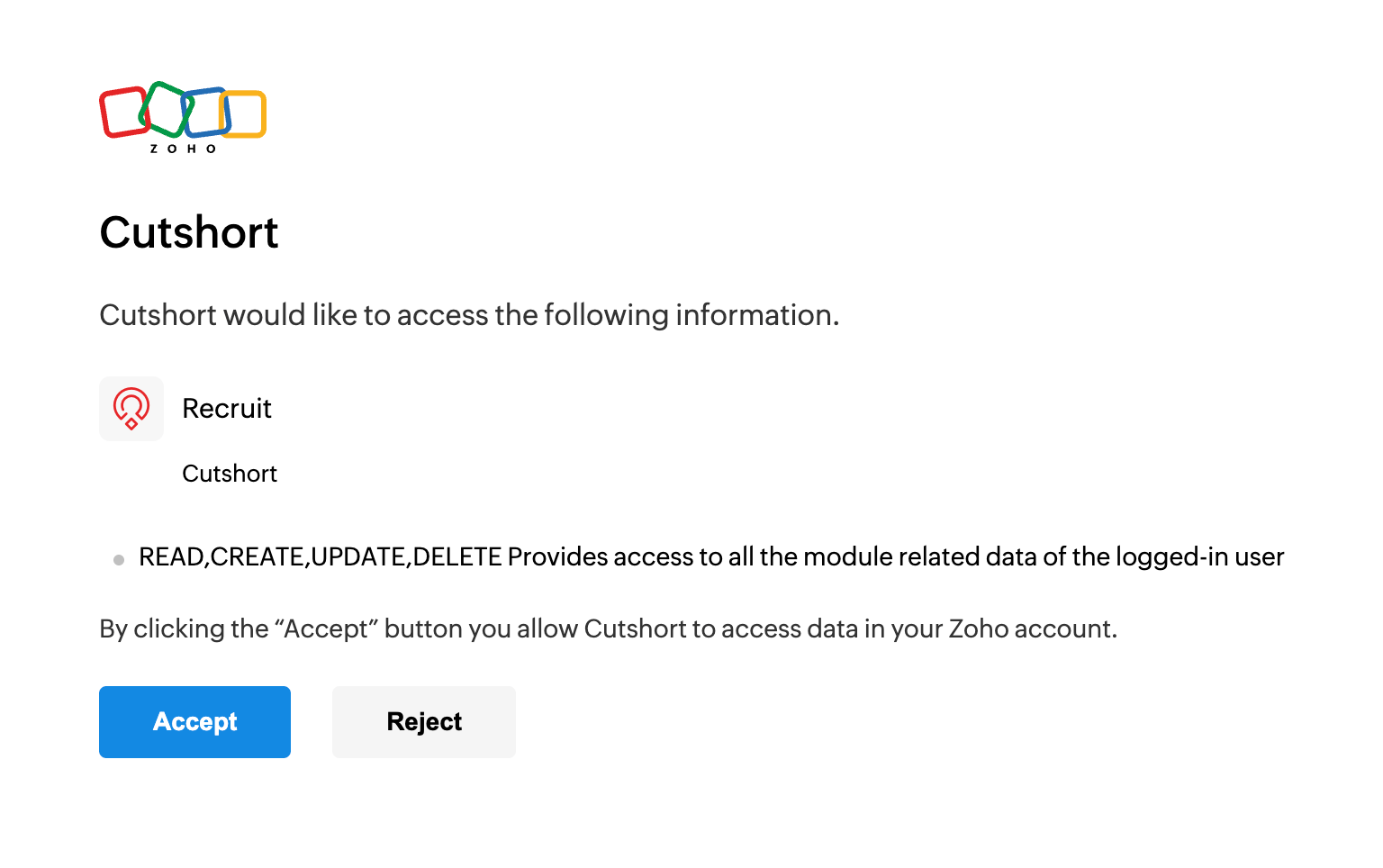 5. Once the integration is done, just select the job to which you want to send the applications.
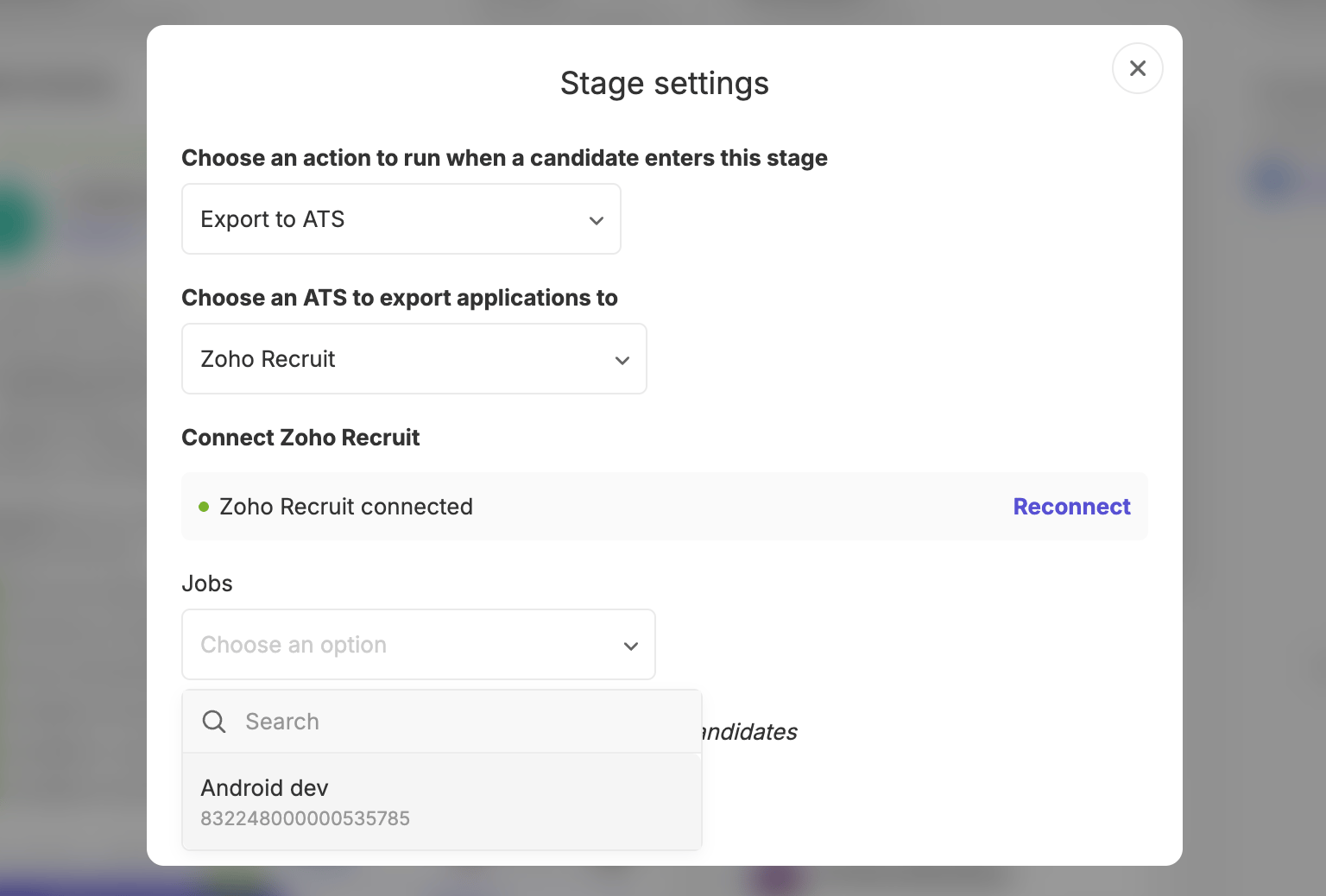
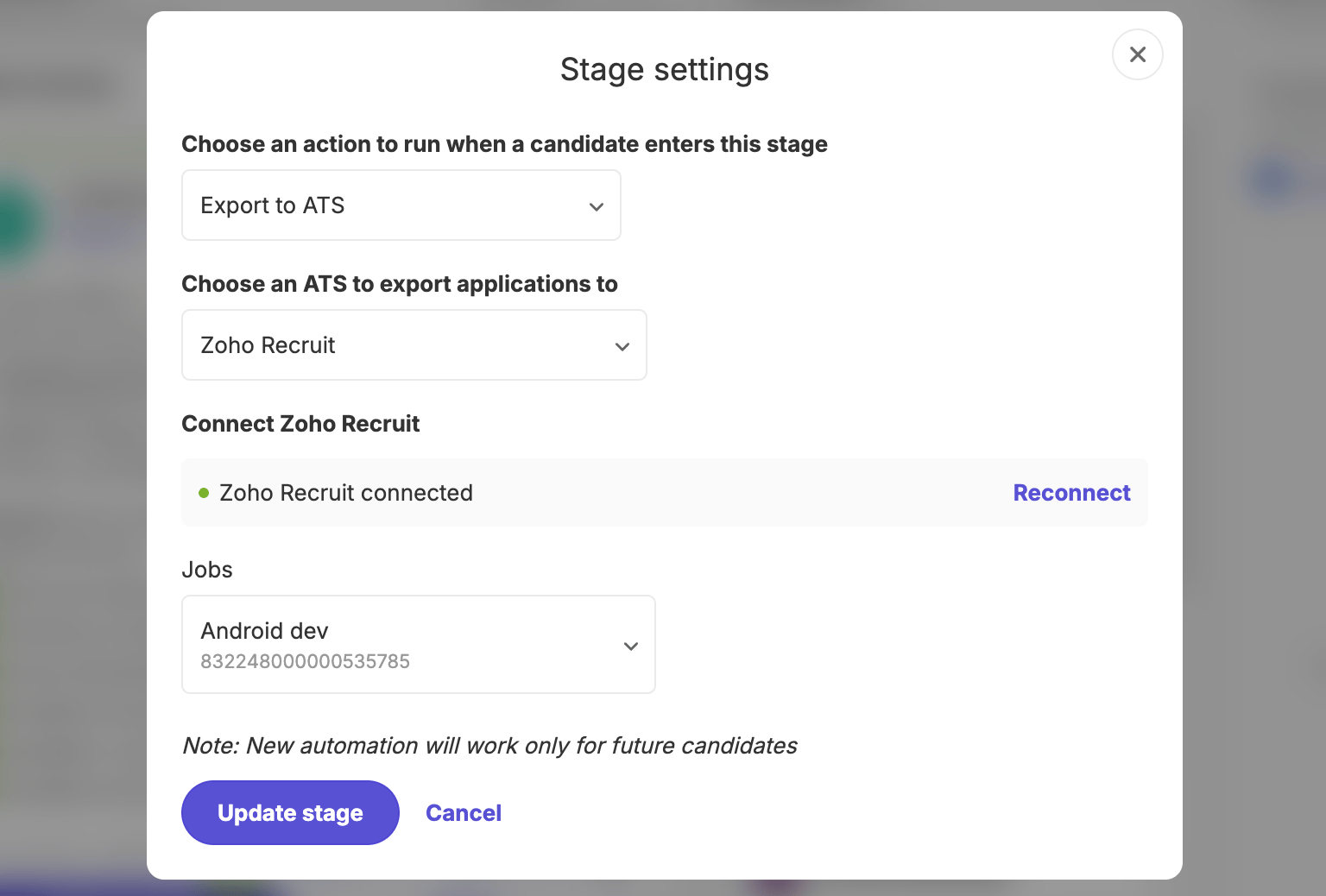 Once you select the job and click "Update stage", any candidates you drop to this stage will automatically be shared to your Zoho Recruit along with their resumes.